VMEG review: every claim checked, so you can budget your credits
Verdict up front: on the verifiable evidence, VMEG is a legitimate, credit-efficient way to localize existing videos.
Why it wins
Voice cloning that preserves speaker identity, free re-edits of purchased videos, and ≈$1.67 per translated minute on the $25/month entry Studio tier — undercutting most rivals.
The trade-offs
A stingy free trial (~10 credits), no native mobile app, and a strict no-refund policy that punishes overbuying.
Written by Leo ·about the author · we may earn a commission via links on this page.
How this review was researched
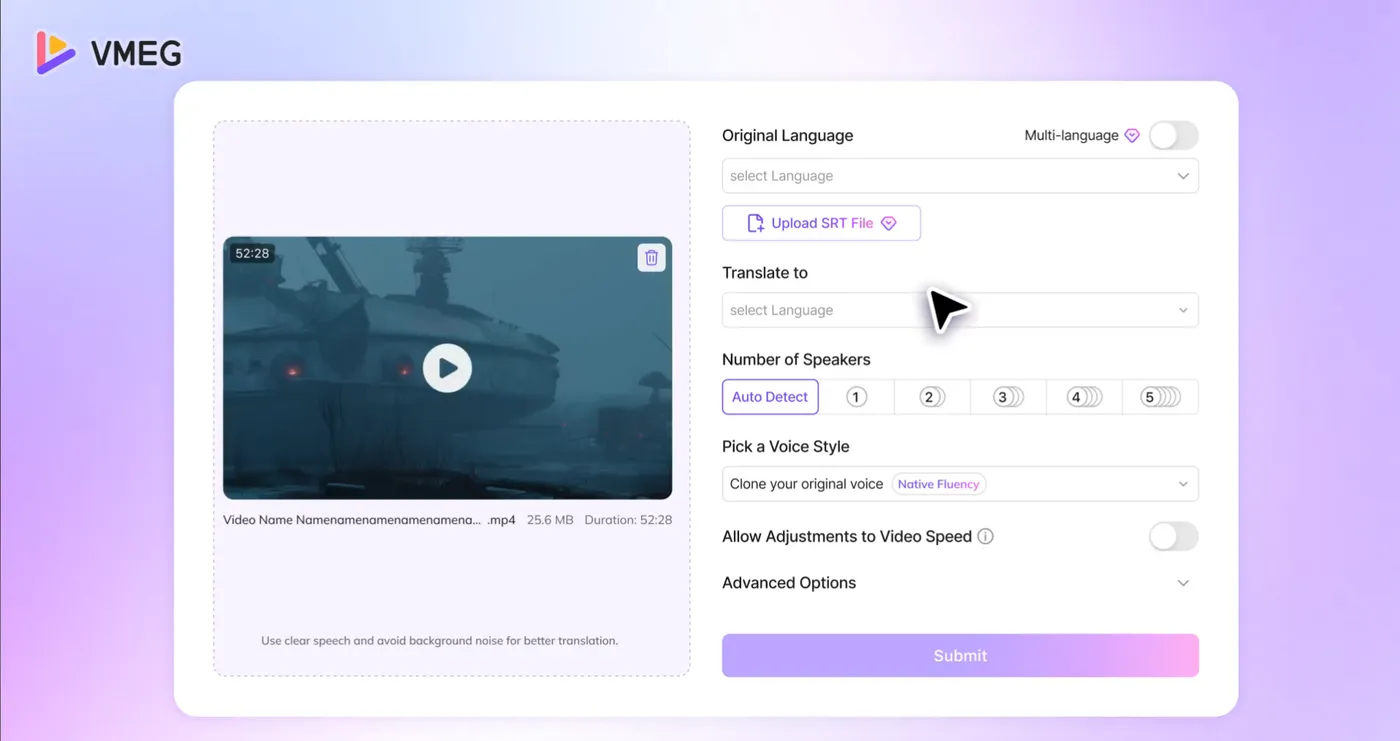
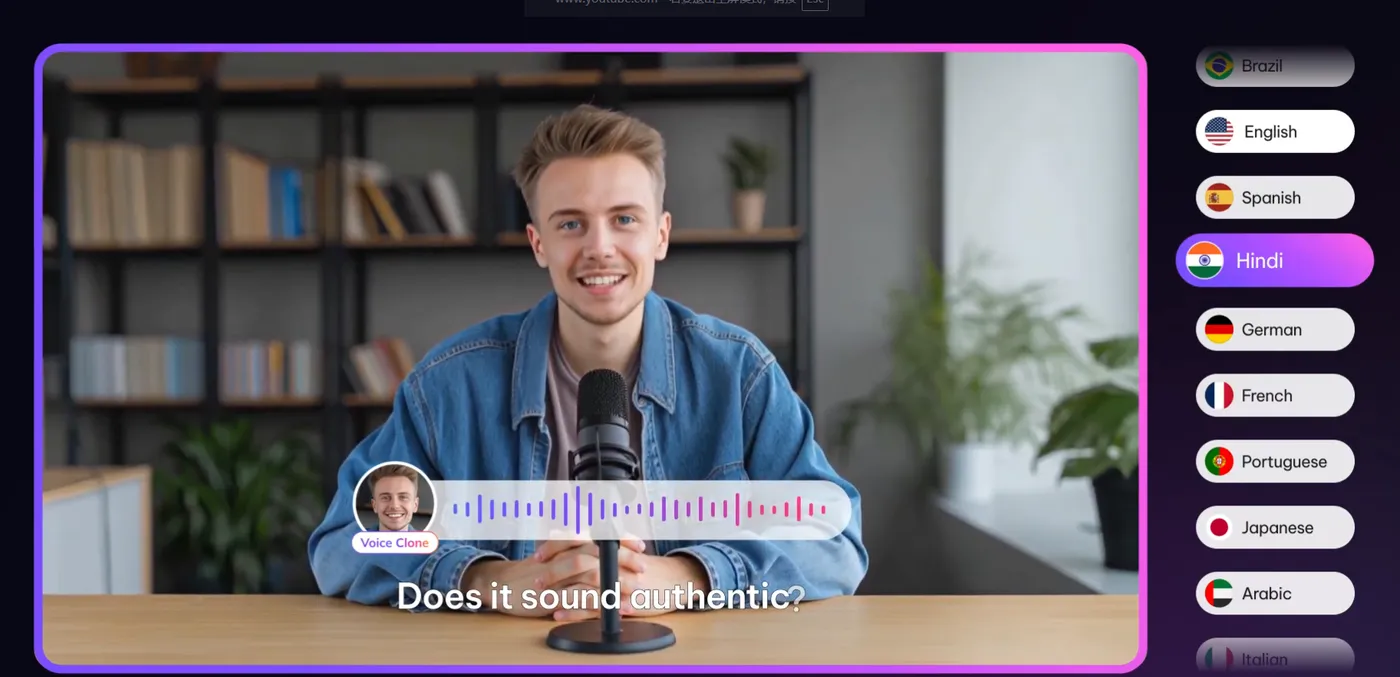
Transparency first: this is a documentation-checked review, with a full hands-on testing round scheduled — this page updates when it lands. What went into it: every billing claim cross-checked against the official FAQ (the 60-credits-per-minute rate, the no-refund policy, free re-editing), the product's upload flow and dubbing output examined through official interface and demo material (below), and quality signals aggregated from user reviews on Capterra, G2 and Trustpilot. Where sources disagree — one directory lists lip sync at 30 credits/minute while the official FAQ says +60 — we say so and use the official number, logged on the changelog.
Scorecard
Scores weigh documented capabilities and aggregated third-party user feedback; they get re-calibrated after our own test round.
| Dimension | Score | Basis |
|---|---|---|
| Translation & dubbing quality | 8.5 / 10 | User reviews praise major-language voices; niche dialects flagged as weaker |
| Pricing transparency | 7 / 10 | Credit math is fair but takes a calculator to see |
| Editor & workflow | 8 / 10 | Documented: per-line subtitle editing, re-edit-for-free |
| Speed | 8 / 10 | Reviewers report minutes-scale processing for short clips |
| Support & docs | 7 / 10 | FAQ covers billing well; live support is business-hours |
Pros — where it earned the score
- Voice cloning aims to hold speaker identity across languages
- Multi-speaker: auto-detect or 1–5 speakers (visible in the upload UI above)
- Re-editing purchased videos costs zero extra credits
- Lip sync available on every tier (+60 credits/min)
- 170+ languages, 4K export, 500GB storage on Studio
Cons — what to know before paying
- Trial credits (~10) cover only seconds of footage
- No refunds outside technical failures — size plans carefully
- Web-only: no Android/iOS app, no offline export queue
- Rare dialects get flatter, less natural voices
Is VMEG safe and legit?
Yes, with normal SaaS caveats. The company operates publicly with listings onCapterra, G2 and Trustpilot, payments run through standard checkout providers, and theofficial FAQ documents its billing rules openly. The safety risk worth flagging is third-party "mod apk" downloads impersonating the brand — covered in ourfree credits guide — not the platform itself.
Bottom line
If your work is translating footage that already exists, VMEG offers the best minutes-per-dollar of the tools we compare at the entry level, and the editor respects iteration. Start with the free credits, judge your own language pair, then price your backlog in thecalculator.
Put this verdict to the test
The free trial credits are small, but enough to hear a cloned voice in your own language pair — the one variable this review cannot check for you.
No credit card · ~10 trial credits · web-based, nothing to install